Freelancers in 2026 aren’t just competing with other freelancers anymore.
They’re competing with speed.
Clients want faster turnarounds, sharper output, and more value — without paying extra. And if you’re still doing everything manually, you’re already falling behind.
The good news? You don’t have to work longer hours to keep up.
You just need the right tools.
AI has become the secret weapon for freelancers who want to scale their output without burning out. Whether you’re a writer, designer, virtual assistant, or content creator — there’s an AI tool that fits your workflow.
Here are the best ones to use in 2026.
Why Freelancers Should Be Using AI Tools Right Now
Think of AI as your behind-the-scenes assistant — one that doesn’t sleep, doesn’t complain, and gets stuff done fast.
Used strategically, AI helps you:
- Brainstorm and draft content in minutes
- Automate repetitive admin work
- Summarize meetings and calls
- Organize projects and client tasks
- Improve writing quality before it hits a client’s inbox
The key thing to remember: AI doesn’t replace your expertise. Clients still pay for your judgment, creativity, and results. AI only helps you deliver more of that, faster.
Now let’s get into the tools — organized by what you actually need them for.
AI Tools for Writing and Content Creation
If writing is part of your freelance work — blogs, copy, emails, proposals — these tools will save you hours every week.
Claude (Anthropic)
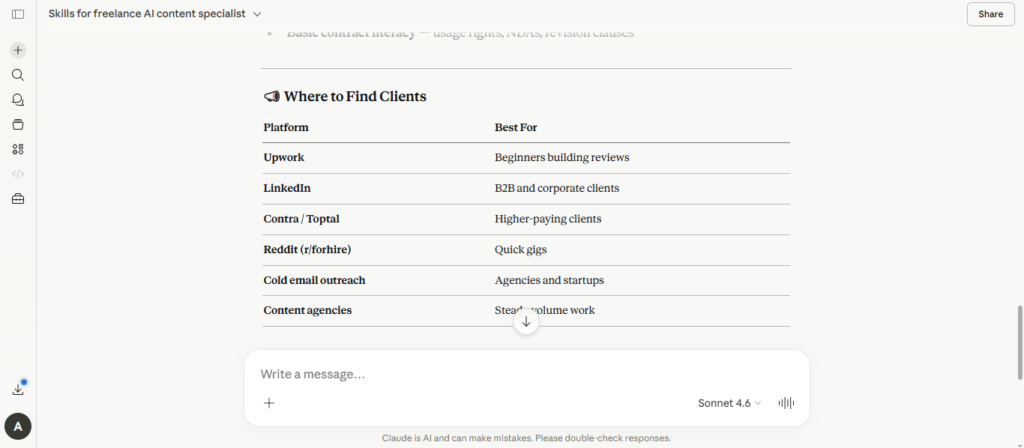
Claude is one of the most capable AI writing assistants available right now. It’s especially strong for long-form content, nuanced writing, and tasks that require context and careful reasoning.
Use it for:
- Blog posts and articles
- Client proposals and briefs
- Email drafts
- Editing and rewriting existing content
Claude handles complex instructions well, making it a great fit for freelancers who work on detailed or specialized projects. You can access it at claude.ai with a free plan or paid Pro subscription.
💡 Tip: Claude is great when you need it to follow a specific style or tone. Give it detailed instructions, and it delivers more consistent output than most tools.
ChatGPT (OpenAI)
Still one of the most popular AI tools for freelancers — and for good reason. ChatGPT is versatile, fast, and works across almost every type of writing task.
Use it for:
- Content outlines and first drafts
- Brainstorming ideas
- Email and proposal templates
- Research summaries
💡 Tip: Don’t copy-paste outputs blindly. Use ChatGPT to speed up your thinking, then layer in your own voice and expertise.
Jasper
Jasper is purpose-built for marketing and sales copy. If your clients need ad copy, landing pages, or email sequences, Jasper’s templates make the process faster.
Use it for:
- Ad copy and sales pages
- Email marketing campaigns
- Product descriptions
- Brand messaging
💡 Tip: Jasper works best as a starting point. Use it for the first draft, then personalize everything to match the client’s brand voice.
Grammarly
Not just a spellchecker. Grammarly catches grammar issues, improves clarity, and even suggests tone adjustments before your work goes out the door.
Use it for:
- Polishing proposals and emails
- Improving overall writing quality
- Tone-checking before sending client messages
💡 Tip: Turn on the tone suggestions feature — it’s especially useful before sending high-stakes client messages.
AI Tools for Design
You don’t need to be a full-time designer to produce great visuals anymore. These tools make it accessible for any freelancer.
Canva Magic Studio
Canva has always been the go-to for non-designers, but the AI features inside Magic Studio have leveled it up significantly. Background remover, text-to-image, AI-powered resizing — it’s all there.
Use it for:
- Social media graphics and carousels
- Presentation decks
- Brand mockups and proposals
- Client-ready templates
💡 Tip: Build a set of reusable branded templates so every client deliverable looks polished with minimal effort.
Adobe Firefly
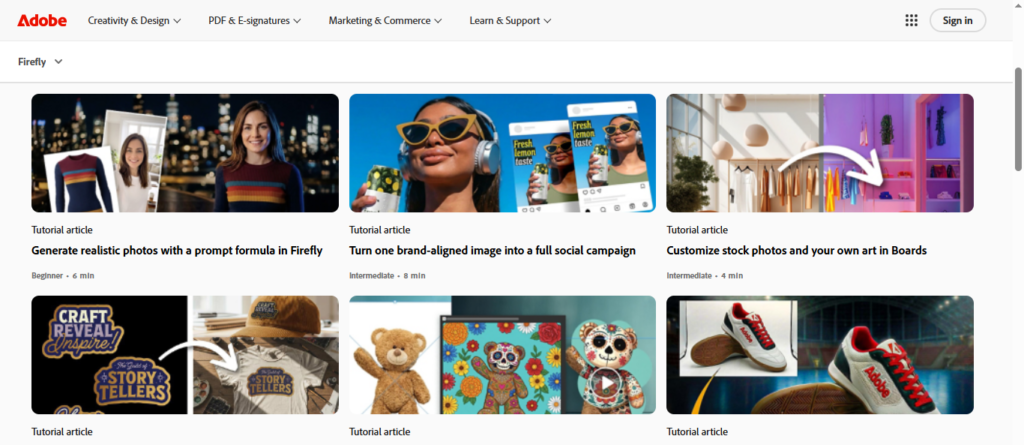
If you need more control over AI-generated visuals, Adobe Firefly integrates with the Creative Cloud suite and is designed for professional-level design work. It’s particularly strong for generating commercial-safe images.
Use it for:
- Custom image generation
- Photo editing and enhancement
- Creative campaign visuals
💡 Tip: Use Firefly’s generative fill to swap out backgrounds or extend images for client visuals without starting from scratch. It’s especially useful when a client sends you a product photo with a messy background — clean it up and replace it in seconds, no Photoshop expertise needed.
AI Tools for Productivity and Organization
Freelance life comes with a lot of moving parts — clients, deadlines, invoices, and content calendars. These tools help keep everything in order.
Notion AI
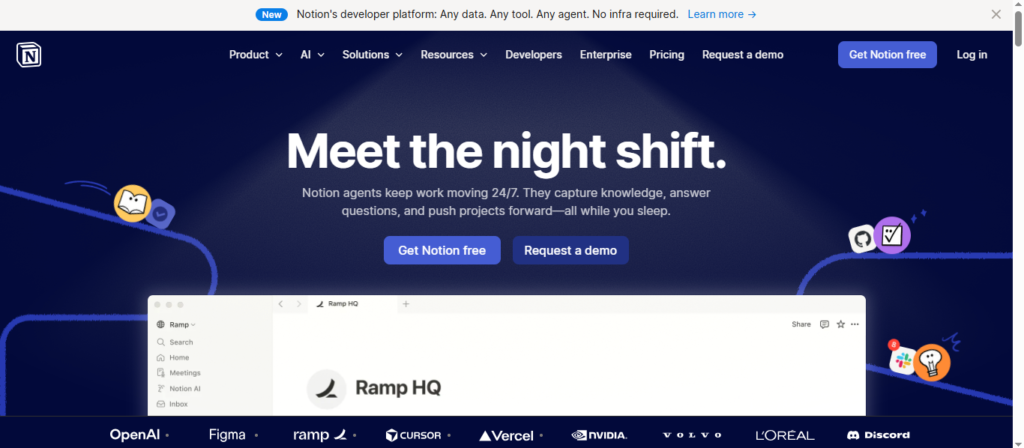
Notion is already a powerful workspace tool. The AI layer adds the ability to generate content, summarize notes, and help you plan projects without switching apps.
Use it for:
- Project planning and client dashboards
- Content calendars
- Meeting notes and action items
- Business process documentation
💡 Tip: Build one central Notion workspace for your entire freelance business. It keeps everything accessible and organized.
Otter.ai
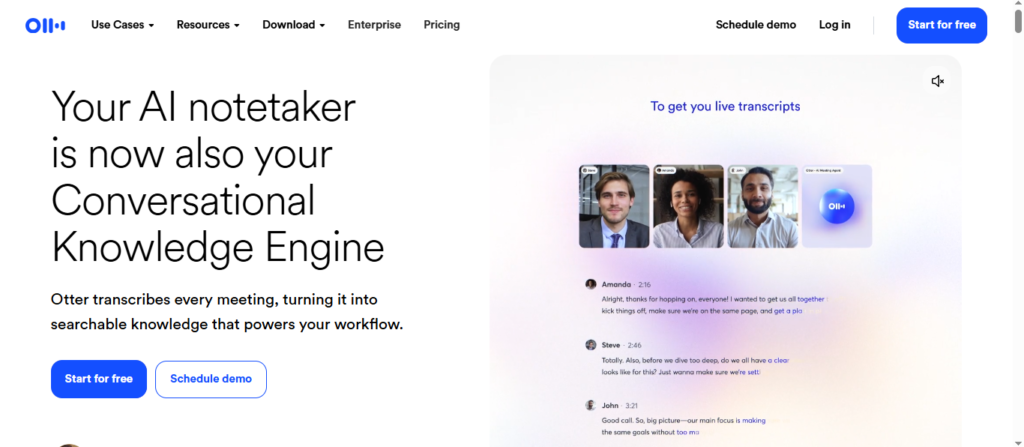
Discovery calls, client interviews, consultations — Otter.ai records and transcribes them automatically so you can stay present in the conversation instead of scrambling to take notes.
Use it for:
- Meeting transcription
- Call summaries
- Extracting action items
💡 Tip: Review the AI summary right after a call while the context is still fresh.
Zapier
Automation is one of the highest-leverage things a freelancer can do. Zapier connects your tools and automates repetitive tasks like sending form submissions to your email list or creating follow-up tasks after a new lead comes in.
Use it for:
- Lead capture workflows
- Client onboarding automations
- Task creation triggers across tools
💡 Tip: Start by automating the most annoying, repetitive admin tasks first — that’s where you’ll feel the impact immediately.
AI Tools for Research
Perplexity AI
When you need fast, sourced answers, Perplexity is the go-to. It searches the web and summarizes results with citations, which makes research significantly faster than traditional search.
Use it for:
- Market and competitor research
- Topic ideation
- Fact-checking and source discovery
💡 Tip: Turn on the Focus feature and set it to “Academic” when researching industry stats or data points for client content — it pulls from peer-reviewed sources instead of general web results, which makes your work more credible and saves you from fact-checking sketchy articles.
How AI Is Affecting Freelancer Rates and Salaries
Here’s the part nobody wants to talk about — but everyone should.
AI is changing what clients expect, what they’re willing to pay for, and how they evaluate freelance work. Here’s an honest breakdown.
The pressure on rates is real
For commoditized tasks — basic blog posts, generic social captions, simple data entry — clients are increasingly using AI themselves or hiring freelancers who use AI to get more done for less money.
If you’re doing the same work you did three years ago at the same pace, you may feel that pricing pressure.
But specialization still commands premium rates
Freelancers who use AI to enhance specialized skills — not replace them — are doing well. Strategy, niche expertise, creative direction, and high-stakes communication are things AI still doesn’t do reliably.
The freelancers winning right now are the ones who combine AI efficiency with deep domain knowledge.
Tips for protecting and growing your rates in an AI-driven market
Reframe your value proposition. Instead of selling “I write blog posts,” sell “I build content strategies that drive traffic.” The output matters more than the task.
Increase your output, not just your speed. Use AI to take on more clients or larger projects — and price accordingly. If AI helps you do the work of two people, charge like it.
Specialize deeper. The more niche your expertise, the less pressure you’ll feel from AI or other freelancers. Generalists compete on price. Specialists compete on value.
Audit your service offerings. If some of your services have become easy to replicate with AI, it’s time to either raise the bar on quality or pivot toward higher-value work.
Be transparent with clients. Many clients are fine with AI-assisted work — as long as the quality is there and you’re delivering real expertise. Build trust by being upfront about how you work.
Keep learning. The freelancers who stay ahead are the ones who keep up with tools, trends, and what clients actually need. Set aside even 30 minutes a week to explore new AI capabilities.
How to Choose the Right AI Tools for Your Workflow
Don’t make the mistake of downloading 15 tools at once and using none of them effectively.
Instead, start by asking: What slows me down the most?
- If it’s writing → Claude, ChatGPT, or Grammarly
- If it’s design → Canva or Adobe Firefly
- If it’s organization → Notion AI
- If it’s admin tasks → Zapier
- If it’s research → Perplexity AI
Pick two or three tools that directly address your biggest bottlenecks. Get good at those first. Then expand.
The AI Starter Stack for Freelancers
If you’re new to this, here’s a simple starting point:
- Claude or ChatGPT — writing and content tasks
- Canva — design and visuals
- Grammarly — polishing everything before it goes out
- Notion AI — organizing your entire freelance operation
This combination covers the core needs of most freelancers without overwhelming you with options.
Final Thoughts
Freelancing in 2026 is about building smarter systems — not just working harder.
AI won’t replace what makes you valuable: your expertise, your relationships, and your ability to deliver real results for clients. But freelancers who use AI strategically will consistently outperform those who don’t.
Start with one tool. Solve one problem. Then build from there.
It depends on your work. Writers should start with Claude or ChatGPT. Designers will get the most out of Canva Magic Studio. For organization, Notion AI is hard to beat.
Yes — and most are already doing it. AI should support your process, not replace your expertise. Always add your own judgment and personalization on top of AI-generated output.
If a tool saves you even a few hours a week, it typically pays for itself quickly. Start with free tiers to test, then upgrade when you see clear value.
For commodity work, yes — there’s pricing pressure. But for specialized, strategic, and high-quality work, AI-savvy freelancers are actually increasing their rates by delivering more value faster.
Claude or ChatGPT for writing, Canva for design, and Grammarly for polishing. That’s a solid starting stack that covers most freelance needs.
Which of these tools are you already using and which one are you trying next? Drop it in the comments, then grab the free Digital Side Hustle Starter Kit in the newsletter for more picks like these. 👇